Mastering Smartphone Skills for Adult Learners 50+
Does your smartphone feel more like a source of frustration than a tool that makes your life easier?
You are not alone. Most adults 50+ were handed a smartphone — by a family member, a phone store employee, or simply by necessity — without anyone sitting down and walking through it in a way that actually made sense. You figured out the basics by trial and error. You avoid the features you do not understand. And somewhere in the back of your mind there is a quiet worry that you might press the wrong thing and break everything.
Here is what nobody told you: you cannot break it. And the features you have been avoiding are the ones that would make your life genuinely easier, more connected, and more enjoyable every single day.
Smartphone Skills for Adults 50+ is a complete step-by-step course built specifically for adults who want to use their smartphone with real confidence — not just for calls and texts, but for photos, video calls, apps, safety settings, and everything in between.
Every lesson in this course was designed with one person in mind: you. The pace is patient. The language is plain. And by the time you finish you will look at your smartphone and see a tool you control — not a device that controls you.
IN THIS COURSE YOU WILL LEARN HOW TO:
✅ Make and receive calls and text messages with complete confidence — including group texts and voice messages
✅ Take beautiful photos and videos — and find them, share them, and back them up so they are never lost
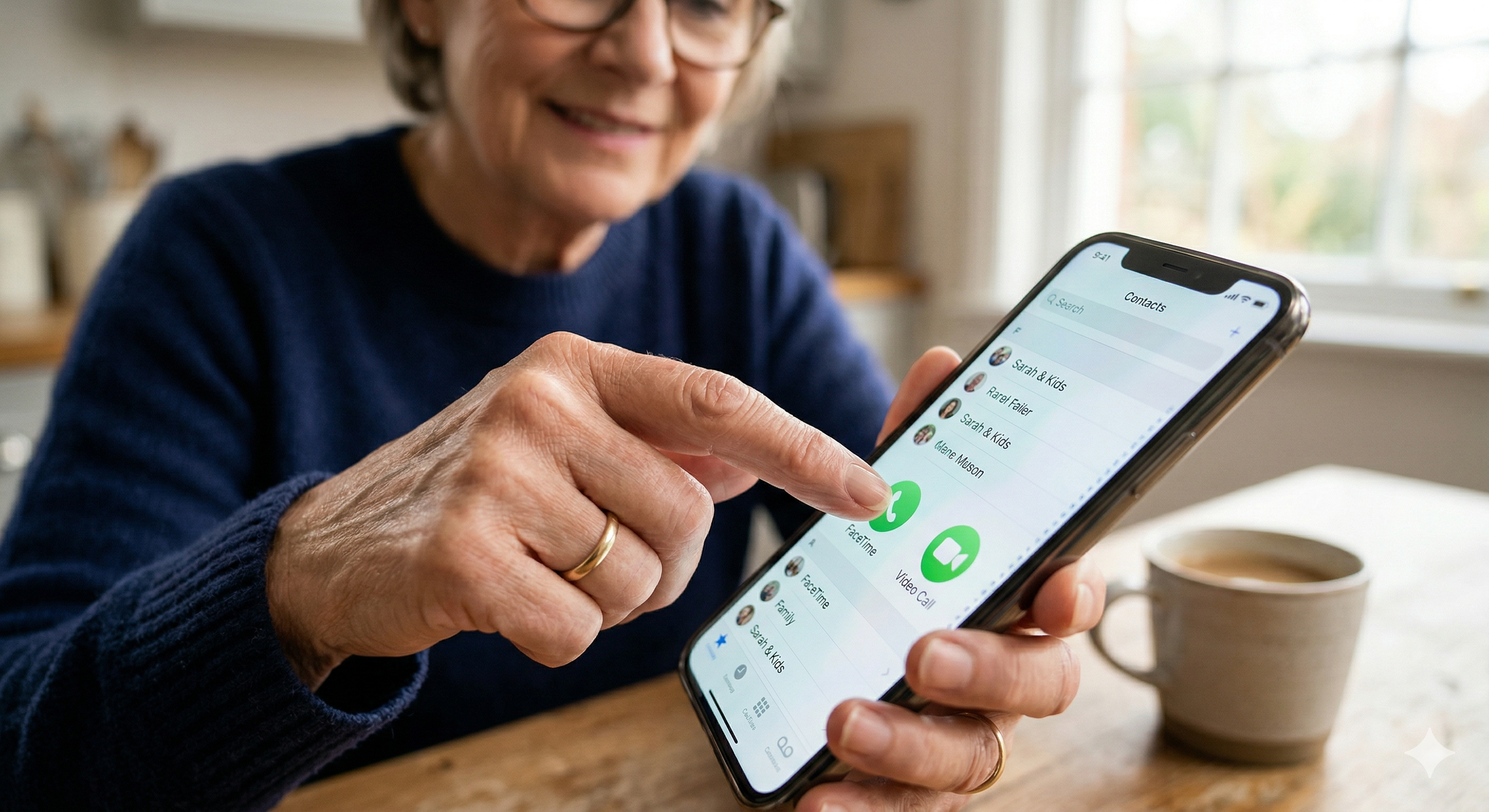
✅ Use video calling to see family and friends face to face — FaceTime, WhatsApp Video, and Google Meet all covered
✅ Download, organize, and use the apps that make everyday life easier — and delete the ones you never wanted
✅ Connect to WiFi safely — at home and away from home — and understand when to use your data instead
✅ Adjust your settings for comfort — text size, screen brightness, volume, and accessibility features built specifically for adults 50+
✅ Protect your phone with a screen lock and understand what to do if your phone is lost or stolen
✅ Recognize and avoid smartphone scams — fake texts, suspicious links, and calls that are not what they seem
✅ Use your phone's assistant — Siri or Google Assistant — to get things done hands-free
✅ Manage your battery so your phone stays charged when you need it most
WHAT IS INSIDE:
📱 Getting to Know Your Smartphone
The parts of your phone, what every button does, and how to navigate the home screen, apps, and settings with confidence. iPhone and Android both covered completely — side by side so you always know exactly where to look on your specific device.
📞 Calls and Text Messages
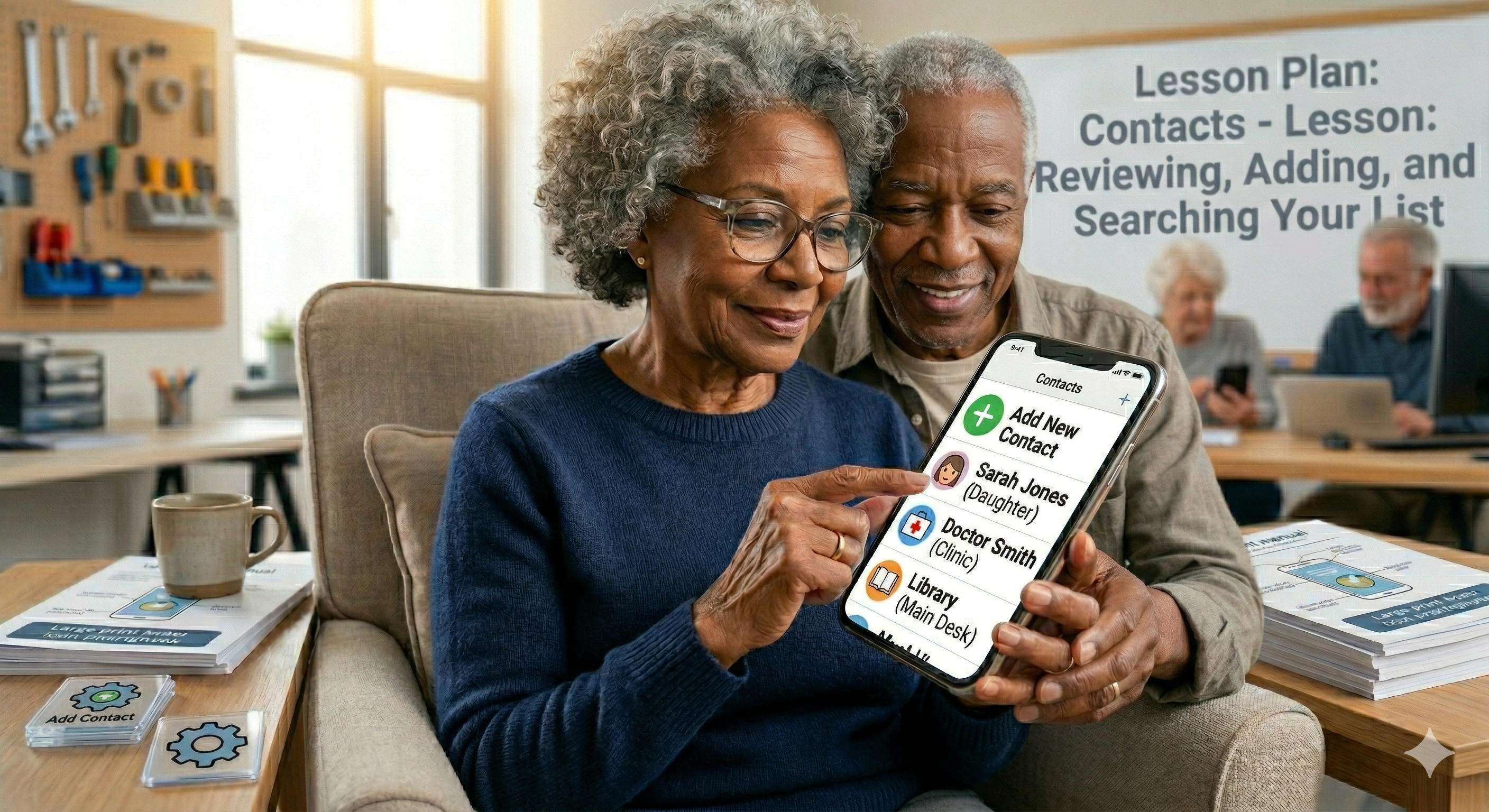
Making calls, receiving calls, saving contacts, sending texts, using voice messages, and setting up voicemail. Group texts, read receipts, and how to handle calls from numbers you do not recognize — calmly and correctly.
📸 Photos and Videos
How to take a great photo, find it in your gallery, share it with family, and back it up to the cloud so your memories are protected forever. The camera settings that make every photo better — explained in plain English without a single technical term.
📹 Video Calling
FaceTime for iPhone users. WhatsApp Video and Google Meet for everyone. How to start a call, how to look your best on camera, how to mute yourself and turn the camera off, and how to handle the inevitable technical hiccup with calm confidence instead of panic.
📲 Apps — Finding, Using, and Managing Them
What an app is, how to find one, how to download it safely, how to use it, and how to delete it when you no longer want it. The essential apps every adult 50+ should have — and the ones to be cautious about.
🔒 Safety and Privacy Settings
Screen locks, fingerprint and face recognition, app permissions, and location settings. What your phone shares about you — and how to control exactly what it shares and with whom. You are in charge of your own information.
📶 WiFi and Data
The difference between WiFi and mobile data. How to connect to your home WiFi. How to stay safe on public WiFi. What to do when you lose your connection and how to get it back in under two minutes without calling anyone for help.
♿ Accessibility Features
Larger text, display zoom, voice control, hearing aid compatibility, and every accessibility setting built into your phone to make it more comfortable for your eyes, ears, and hands. These features exist specifically for you — and most people never know they are there until someone shows them.
🛡️ Smartphone Safety and Scam Protection
Fake texts that look like package delivery notifications. Calls from Apple Support that are not from Apple. Links that appear to come from your bank. You will learn to recognize every common smartphone scam before you respond — and know exactly what to do when something feels wrong.
🔋 Battery and Storage
Why your battery drains faster than you expect, how to make it last longer throughout the day, what to do when your storage is full, and how to keep your phone running smoothly for years without paying for professional help.
EVERY LESSON INCLUDES:
Large print throughout — comfortable at any age
Plain English — no technical jargon anywhere in the course
Step-by-step instructions with real screenshots from actual iPhone and Android screens
Practice exercises that build real confidence with your actual device in your actual hand
Printable quick reference cards to keep beside your phone for whenever you need a reminder
Side-by-side iPhone and Android guidance — whichever phone you have is fully and equally covered
THIS COURSE IS FOR YOU IF:
You use your smartphone mainly for calls and texts and want to do so much more
You avoid certain features because you are not sure what they do or what might go wrong
You feel anxious when your phone does something unexpected or unfamiliar
A family member gave you a new phone and you are not sure where to begin
You want to video call your grandchildren but cannot figure out how to start
You have been meaning to learn this for months and you are finally ready
You want to feel independent with your phone rather than always asking someone else for help
THIS COURSE IS NOT FOR YOU IF:
You already use your smartphone comfortably for calls, photos, apps, and video calling
You are looking for advanced features like mobile photography editing or app development
Being honest about who this course serves best means every student who enrolls gets exactly what they came for — and leaves feeling exactly as confident as we promised.
YOUR INSTRUCTOR
Michele Lewis-Bellamy — Founder, Academy for Senior Success
26-year enterprise technology professional and digital literacy educator. Has taught smartphone skills to 100+ adults 50+ in real classroom settings — including adults who were using a smartphone for the very first time and adults who had been carrying one for years but using only a fraction of what it could do.
Michele knows that the smartphone sitting in your pocket right now could be making your life significantly easier, more connected, and more enjoyable — if only someone would explain it in a way that actually makes sense for where you are starting from. This course is that explanation.
WHAT STUDENTS SAY
[Add your first student testimonial here — even one genuine sentence from a community member transforms this section and dramatically increases enrollment]
COURSE DETAILS:
📚 Self-paced — start anytime, learn at your own speed with no deadlines or pressure
🖨️ Large print printable reference cards included in every lesson
🏆 Certificate of completion issued upon finishing the course
♾️ Lifetime access — return anytime you need a refresher on any skill
✅ iPhone and Android both fully and equally covered throughout every lesson
📱 Access the course on any phone, tablet, or computer
👐 Complete beginners and returning learners both fully welcome — no prior experience required
FREQUENTLY ASKED QUESTIONS
Does it matter which phone I have — iPhone or Android?
Not at all. Every single lesson covers both iPhone and Android side by side with equal detail and equal care. You will always know exactly where to find what you are looking for on your specific phone without having to translate instructions meant for a different device.
I am worried I will press the wrong thing and break my phone. Is that possible?
No — and this is the single most common concern adults 50+ bring to this course. Your smartphone is designed to be forgiving. Almost everything can be undone, reset, or restored. This course will show you exactly why that is true and give you the freedom to explore without fear. You genuinely cannot break it.
I already know how to make calls and send texts. Is there still value in this course for me?
Absolutely. Most adults 50+ who take this course are comfortable with calls and texts but have never used the camera confidently, never made a video call, never downloaded an app intentionally, and never adjusted a single setting on their phone. If any of those describe you this course will open up a completely new relationship with a device you already carry everywhere.
What if I get stuck on a lesson?
Every lesson includes a printable reference card and step-by-step written instructions you can return to anytime. As an Academy for Senior Success student you have lifetime access — so you can revisit any lesson as many times as you need until it feels completely natural and comfortable.
How long will it take to complete the course?
Because the course is fully self-paced there is no required timeline. Most students work through one or two lessons per session and complete the full course within two to four weeks — though you are welcome to go faster, slower, or take breaks whenever life requires it.
"The smartphone in your hand right now could be the most useful tool in your life. This course shows you exactly how — one calm, clear step at a time."
Enroll today and start using your smartphone with complete confidence.