Master the Digital World
Email & Communication Skills
Do you have an email account — but avoid using it because it feels confusing, risky, or just overwhelming to figure out on your own?
You are not alone — and you are not behind. Email simply was not designed to be learned intuitively. Nobody sat down with you and walked through it step by step in plain English. Nobody showed you what was safe to click, what to ignore, and how to say exactly what you mean clearly and professionally.
That changes today.
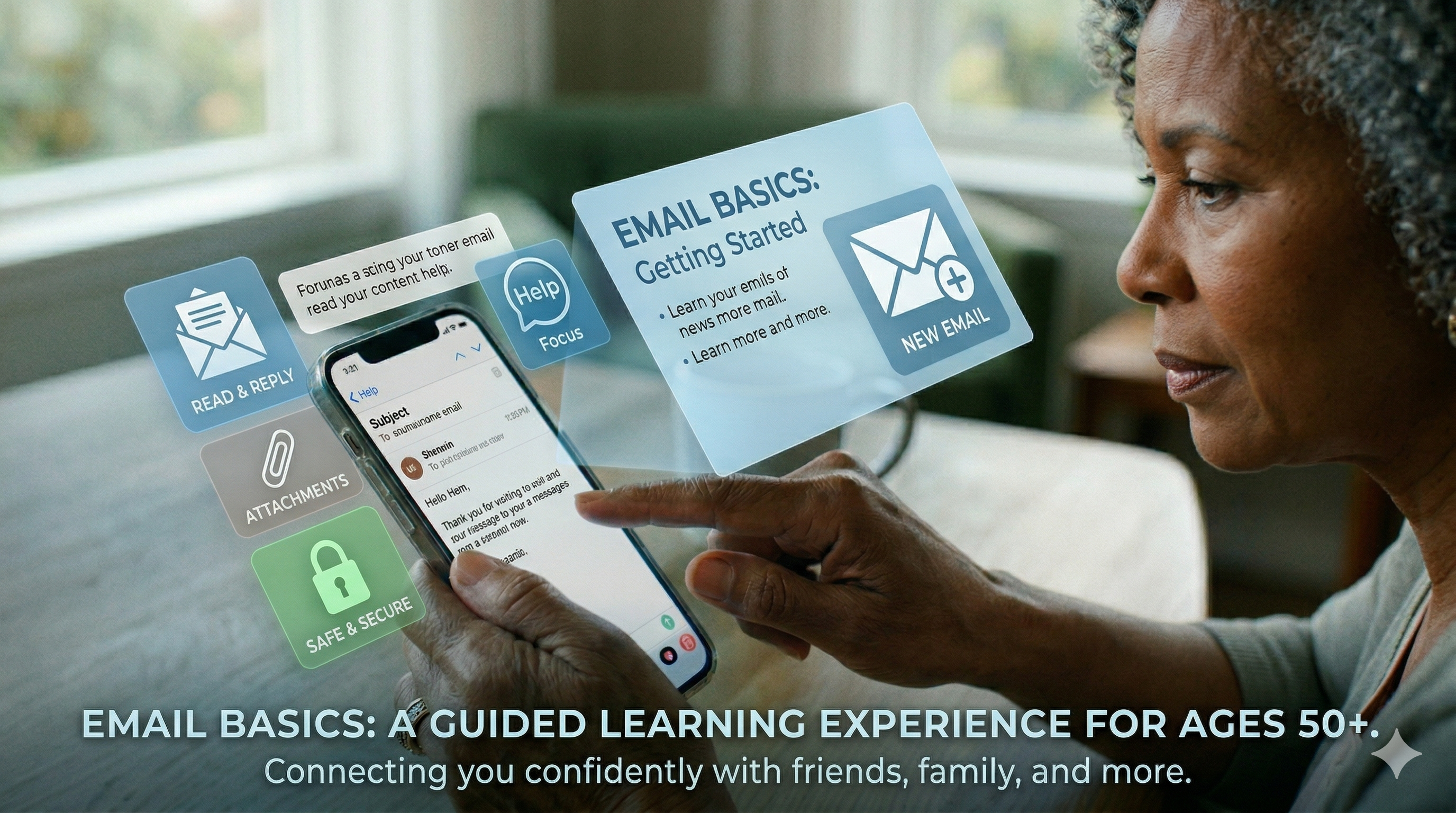
Email & Communication Skills is a step-by-step digital course built specifically for adults 50+ who want to use email with complete confidence — to stay connected with family, communicate with doctors and employers, manage important accounts, and navigate the digital world independently and without fear.
Email is no longer optional. It is now required for job applications, healthcare portals, banking alerts, government benefits, and staying close to the people you love most. This course gives you every skill you need to use it safely, clearly, and without hesitation.
IN THIS COURSE YOU WILL LEARN HOW TO:
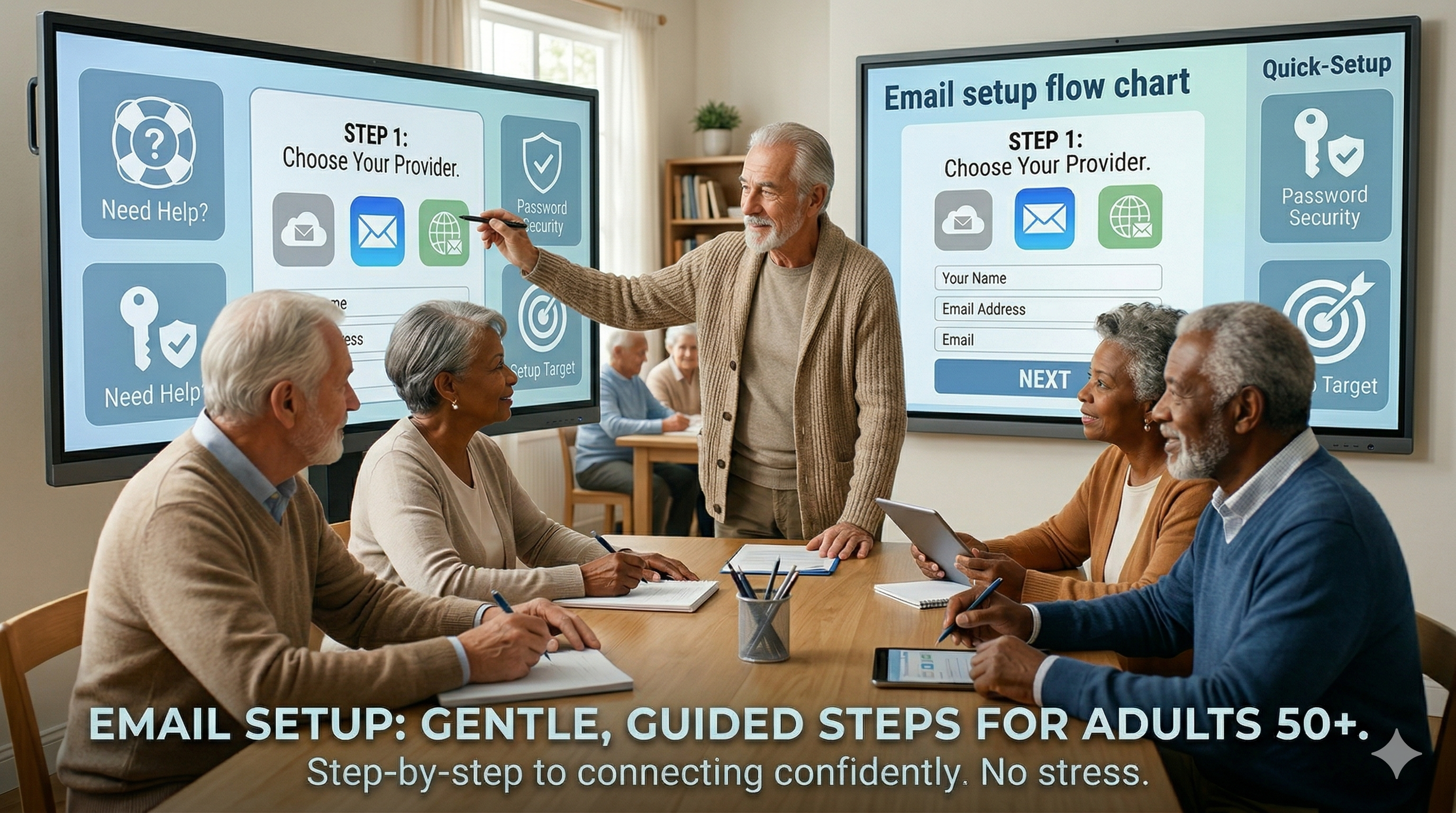
✅ Set up and access your email account on any device — phone, tablet, or computer
✅ Write clear, professional emails that say exactly what you mean — for any situation and any recipient
✅ Send, reply, forward, and organize your emails so your inbox never feels overwhelming again
✅ Attach and open files, photos, and documents safely — without putting your device at risk
✅ Recognize dangerous emails — phishing attempts, scam messages, and fake alerts — before you click anything
✅ Manage your inbox with folders, labels, and filters so important messages never get buried or lost
✅ Communicate professionally with employers, doctors, landlords, and service providers
✅ Set up an email signature that looks polished and professional every time you send
✅ Understand email etiquette — what to say, how to say it, and what to never put in writing
WHAT IS INSIDE:
📧 Email Foundations
What email is, how it works, and the anatomy of every email — from address to subject line to body to attachment. You will understand exactly what you are looking at before you write your first word. Gmail, Outlook, and Yahoo Mail all covered.
✍️ Writing With Confidence
How to open an email, what to say in the body, how to close professionally, and how to adjust your tone for different situations — family, doctors, employers, and customer service. Real templates included for the most common email situations you will actually encounter in daily life.
📎 Attachments and Photos
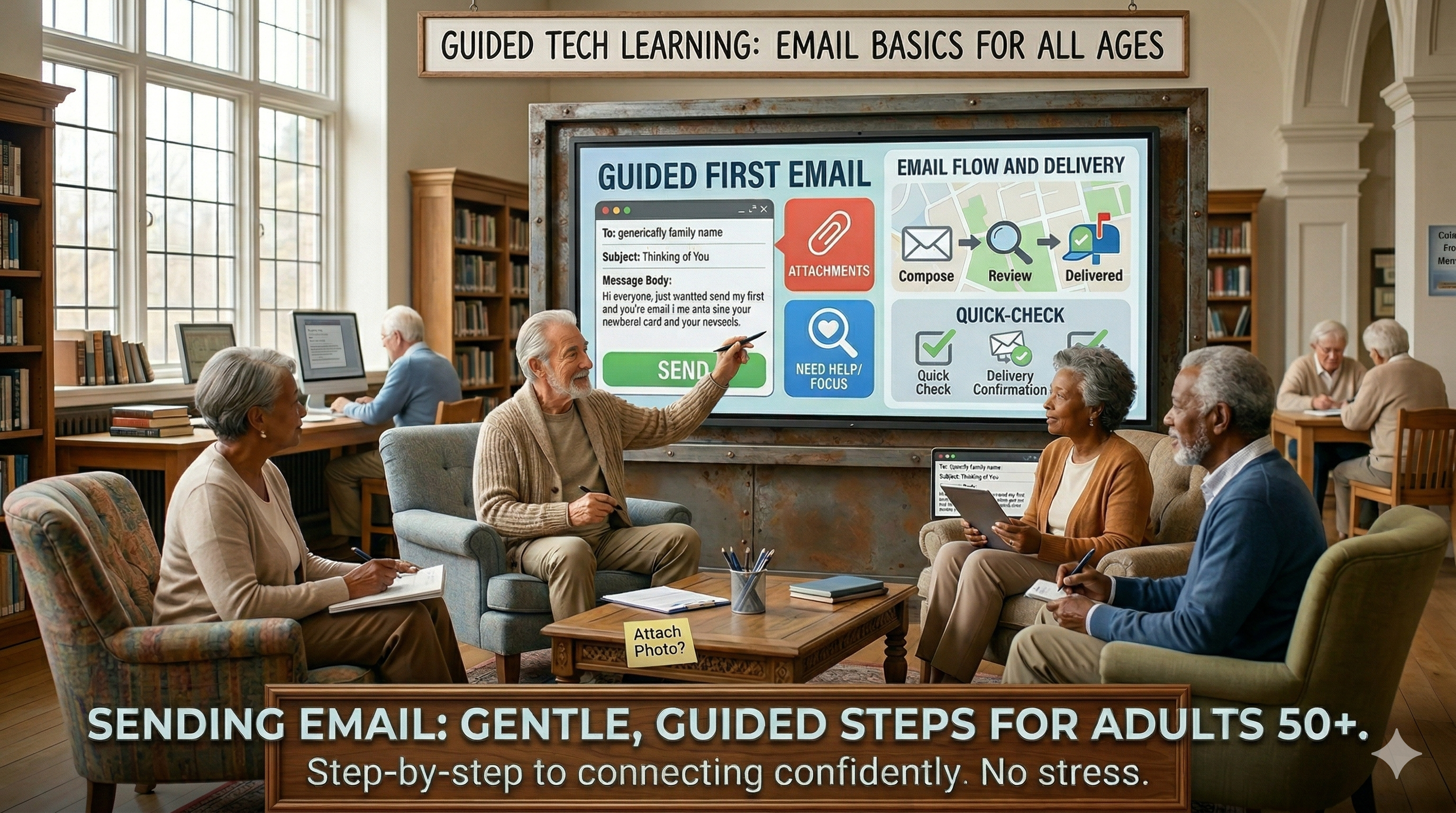
How to attach a document or photo to an email safely. How to open an attachment you receive without putting your device at risk. The one rule that protects you from the most common email-based scam targeting adults 50+ right now.
📁 Inbox Organization
How to create folders, move emails, mark important messages, and set up filters so the right emails go to the right place automatically. You will never spend twenty minutes searching through hundreds of emails for one important message again.
🔒 Email Safety and Scam Recognition
How to recognize a phishing email that looks exactly like a real one from your bank, your doctor, or the government. What the warning signs look like in the sender address, the subject line, and the body of the message. What to do when you are not sure — and how to verify safely without putting yourself at risk.
📱 Email on Your Phone
How to read, write, and manage email from your smartphone — iPhone and Android both covered step by step. How to set up notifications so you never miss an important message and how to turn them off when they become too much.
💼 Professional Communication
How to email a potential employer, a doctor's office, a landlord, or a government agency. What to include, what to leave out, how to follow up professionally, and how to write with confidence even when the stakes feel high.
📋 Email Templates
A complete set of printable email templates for the most common situations — job inquiry, appointment request, follow-up message, customer service communication, and family update. Fill in the blanks and send with complete confidence.
EVERY LESSON INCLUDES:
Large print throughout — comfortable at any age
Plain English — no technical jargon anywhere
Real examples of actual emails — both effective and problematic — so you can see the difference clearly
Printable templates and reference cards for every situation covered
Practice exercises that build real confidence before you hit send
Step-by-step instructions for Gmail, Outlook, and Yahoo Mail
THIS COURSE IS FOR YOU IF:
You have an email account but rarely use it because it feels confusing or risky
You are not sure what is safe to open and what might be dangerous
You need email for a job search, healthcare access, or government benefits enrollment
You want to communicate more clearly and professionally in writing
Your inbox feels completely overwhelming and out of control
You have made email mistakes in the past and want to feel confident it will never happen again
Someone in your life has been asking you to use email and you are finally ready
THIS COURSE IS NOT FOR YOU IF:
You already use email daily with complete confidence and no hesitation
You are looking for advanced features like email marketing or newsletter automation
Being clear about who this course serves best means every student who enrolls gets exactly what they came for — and leaves feeling exactly as confident as we promised. 💛
YOUR INSTRUCTOR
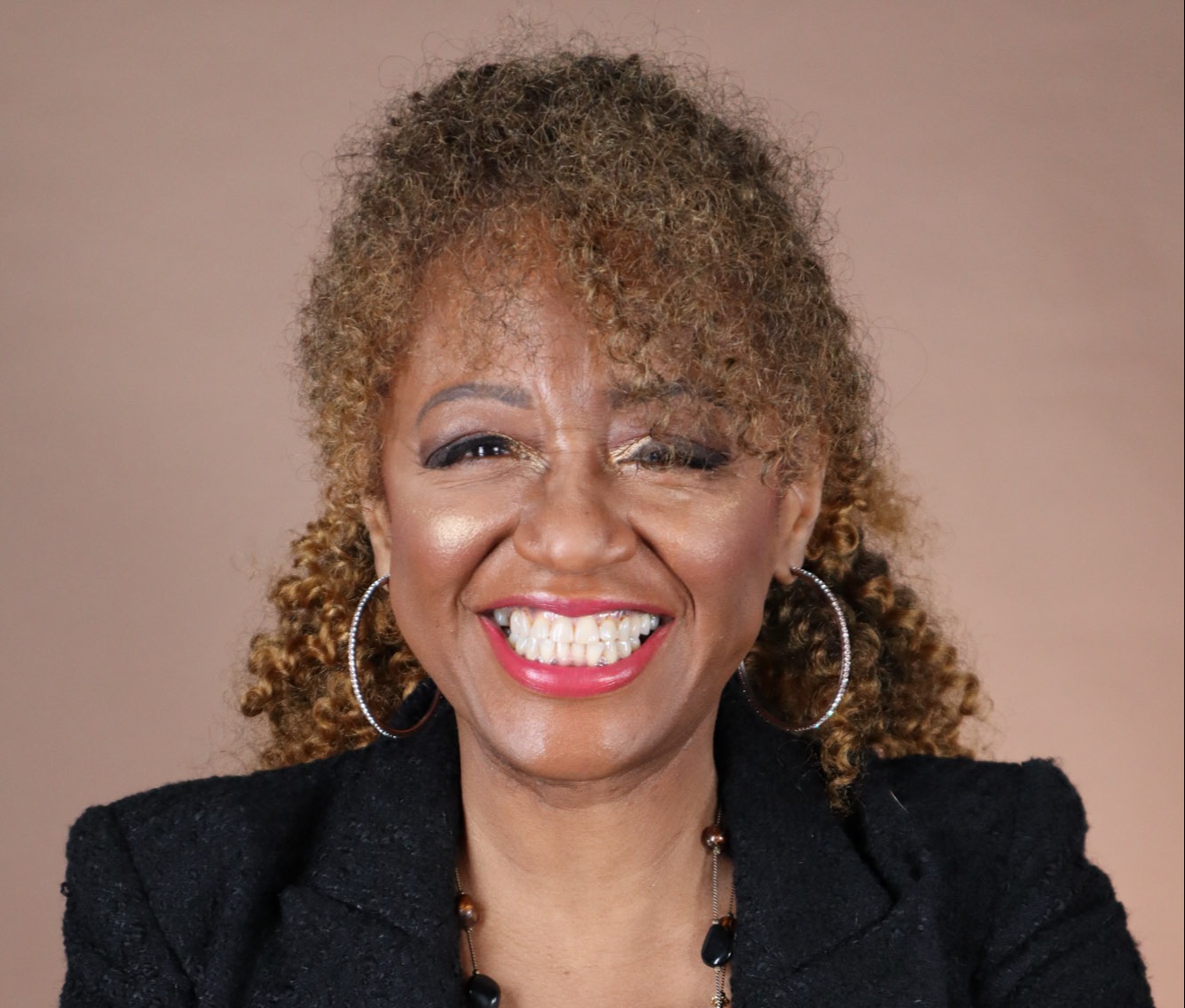
Michele Lewis-Bellamy — Founder, Academy for Senior Success
26-year enterprise technology professional and digital literacy educator. Has taught email and digital communication skills to 100+ adults 50+ in real classroom settings — including adults who were using email for the very first time.
Michele knows that for many adults 50+ email feels like the single biggest barrier between them and full participation in the digital world — jobs they cannot apply for, appointments they cannot book, family they cannot reach. This course removes that barrier permanently and completely.
COURSE DETAILS:
📚 Self-paced — start anytime, go at your own speed with no deadlines
🖨️ Large print printable templates and reference cards included in every lesson
🏆 Certificate of completion issued upon finishing the course
♾️ Lifetime access — return anytime you need a refresher
✅ Gmail, Outlook, and Yahoo Mail — all three fully covered
📱 Phone, tablet, and computer — all devices and operating systems included
👐 Complete beginners fully welcome — no prior experience required
FREQUENTLY ASKED QUESTIONS
Do I need an email account already to take this course?
No. The course walks you through setting one up from the very beginning if you do not have one yet. If you already have an account you will pick up from where you are and build your confidence from there.
Which email service does this course cover?
All three of the most commonly used services — Gmail, Outlook, and Yahoo Mail — are covered with step-by-step instructions. You will find guidance for whichever one you use or plan to use.
Is this course safe for complete beginners?
Absolutely. This course begins at the very beginning — what email is and how it works — and builds at a pace that feels comfortable and manageable rather than rushed or overwhelming.
How long will it take to complete the course?
Because the course is fully self-paced there is no required timeline. Most students work through one or two lessons per session and complete the full course within two to three weeks — though you are welcome to go faster or slower based on what feels right for you.
"Email is the key that opens every door in the digital world — jobs, healthcare, family, and independence. This course puts that key in your hand."
Enroll today and start communicating with confidence. 💛
What Makes This Description Work
It opens with the exact emotional experience your buyer is having right now — avoidance, confusion, anxiety — and validates it before asking anything of them. It makes the stakes concrete and personal — not "digital communication" but jobs, doctors, family, and benefits. It is specific about outcomes at every level. It includes a "not for you" section that builds trust. And it closes with a metaphor — email as a key — that captures exactly what this skill means for your audience's independence and dignity.
The FAQ section is particularly valuable for this course because email anxiety in your audience often shows up as specific logistical questions — do I need an account already, which service is covered, how long will it take — that if unanswered cause buyers to leave the page without enrolling. Answering them directly removes the last friction point between a visitor and a paying student.